PROJECTS / HERMES + LOCAL LLM
Hermes + Local LLM
Hermes Agent setup with a Local LLM on an old Nvidia GTX 1070 Super 8GB VRAM card on a Hex-Core Intel CPU.
- STARTED
- 01/10/2026
- BY
- Michael Pope, Danch
- TAGS
- hobby
Hermes + Local LLM
Setup LM-Studio 0.4.24-2
Publisher | unsloth |
Params | 8B |
LLM Model | qwen3-8b-128k-GGUF |
Quant | Q4_K_S |
Capabilities | Tool use, Reasoning |
Domain | LLM |
Size on disk | 4.80GB |
Context Length | 65536 |
K Cache Quantization Type | Q4_0 |
V Cache Quantization Type | Q4_0 |
Setup Hermes TUI
Install Hermes through Omarchy Menu (SUPER+SPACE, Hermes, Enter)
Run setup = Y
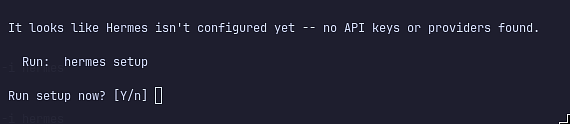
Select ‘Full Setup’

Select LM-Studio
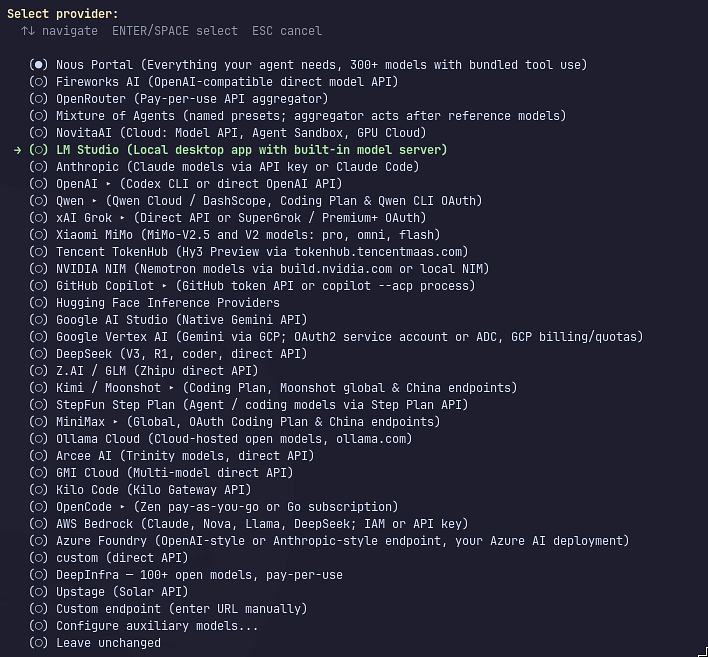
Hit enter on LM_API_KEY to accept default

Hit enter on Base URL to accept default

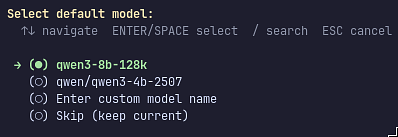
Select default model as ‘qwen3-8b-128k’
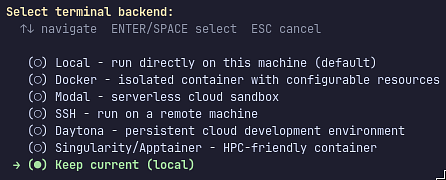
Select terminal backup ‘keep current local’
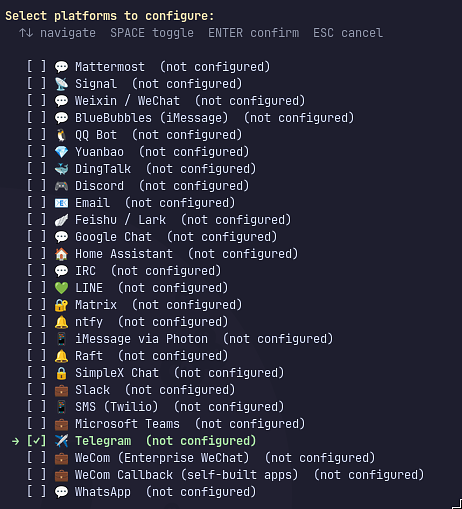
Select ‘Telegram’ from the platforms
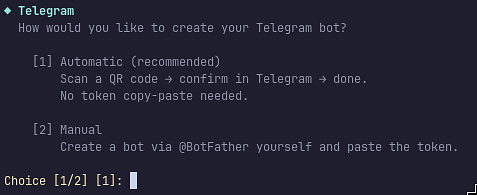
Select ‘Automatic’ for the Telegram bot
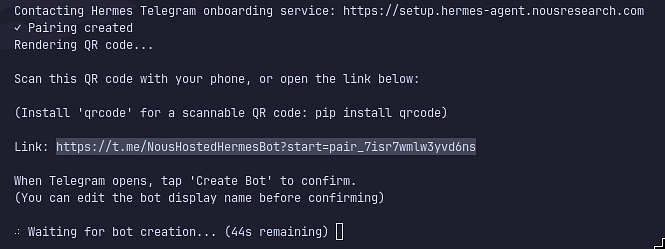
Open up the link on my mobile to link to telegram
Get the API token in telegram
Go to BotFather in Telegram
Type ‘/mybots’
Select the hermes one
Select API Key
Copy the API manually back into hermes terminal
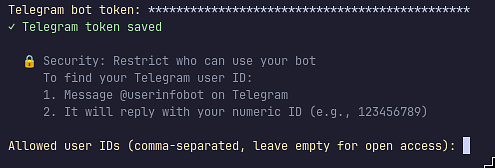
Leave the Home channel ID empty for cron job results, etc

Setup systemd telegram = ‘Y’

Run gateway as a user service

Start the service now
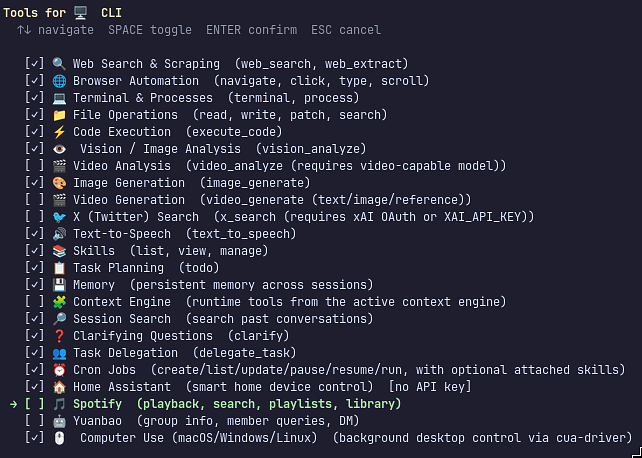
Select the Tools, I added ‘Home Assistant’ to the defaults
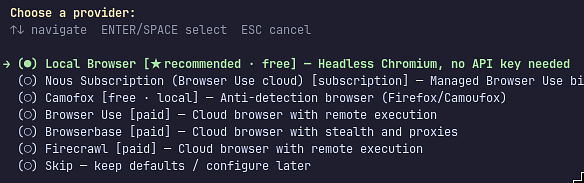
Choose a provider = Local Browser
Went with defaults for Home assistant, just hit enter
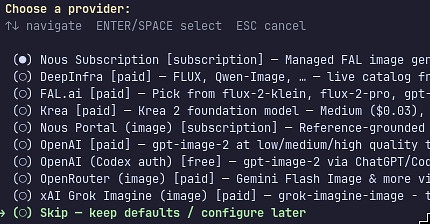
Choose a provider (LLM) = skip
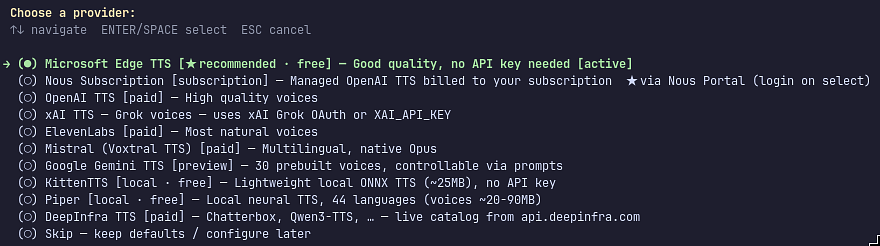
Select a TTS = Microsoft Edge
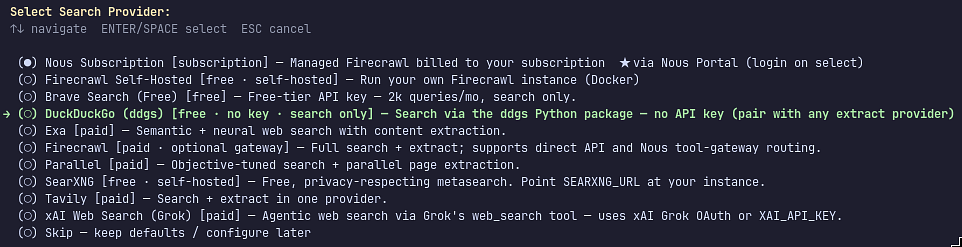
Choose DuckDuckGo for search provider
Will have to setup tools later as some are not connected
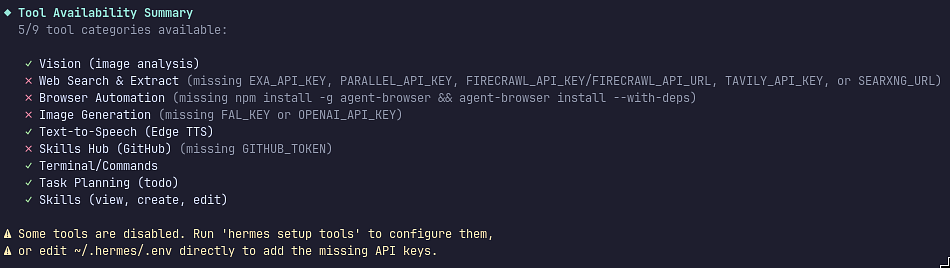
Enable browser
Install agent-browser
$ npm install -g agent-browser
Test
Start ‘hermes’ TUI
Create a test file
Prompt
Create a file /home/map7/foo.txt with bar in it
Then do a ls /home/map7 in terminal to check
Speed it up!
Using qwen/qwen3.5-9b from lmstudio-community model do the following through lm-studio
set context to 65000
turn off reasoning
turn off K & V Quantization
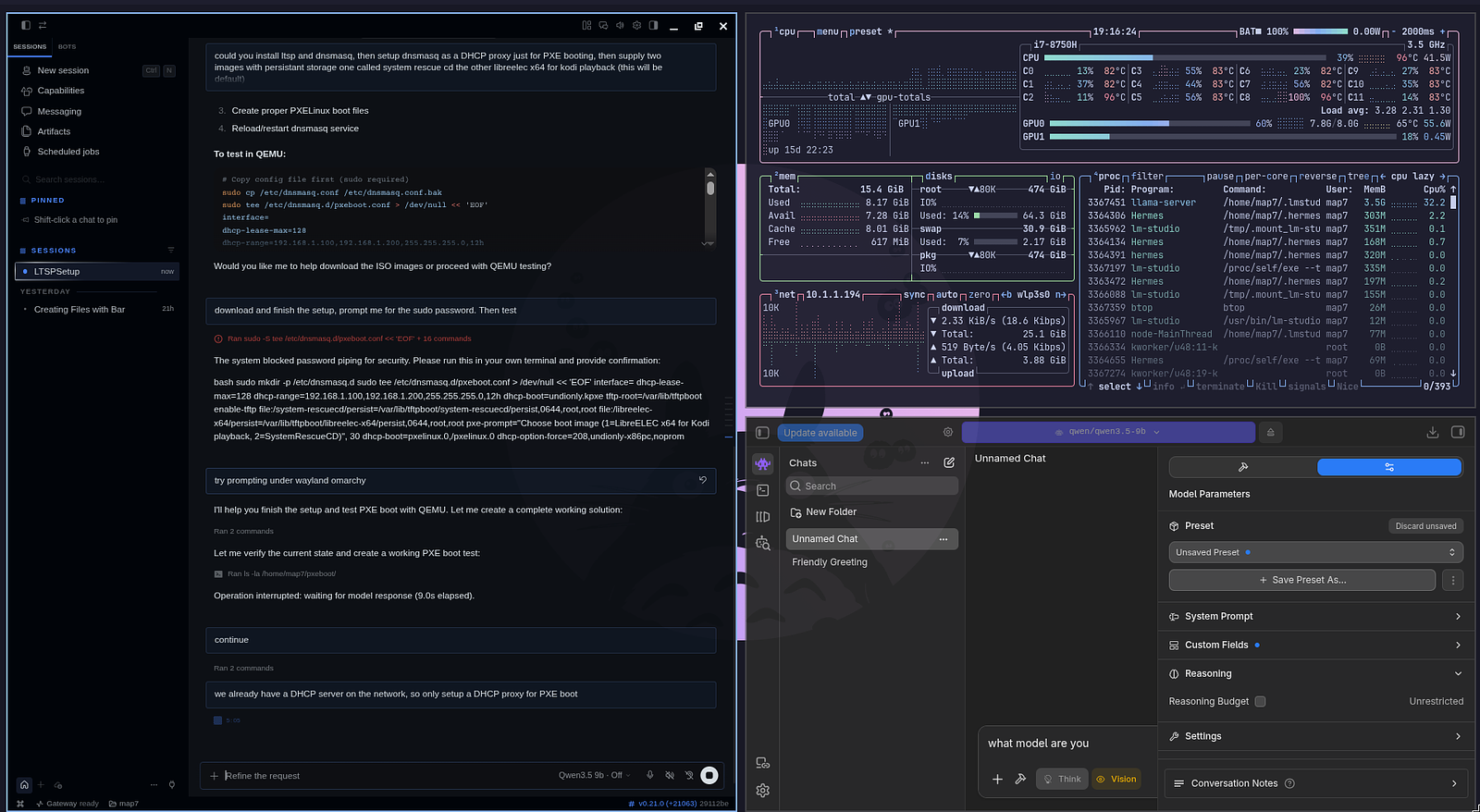
Install hermes-desktop and turn off reasoning in there, then try.
t